1. Dragon Medical One: Best Overall Accuracy for Heavy EMR Users on Windows
Dragon Medical One leads the medical voice recognition software market. Its specialty vocabulary sets the accuracy bar for physicians dictating into Epic or Cerner. User reviews repeatedly flag cost and lock-in, especially for residents and small practices. You must speak punctuation commands such as "period" and "new paragraph". A write-up on a Dragon alternative page describes this as exhausting over a full clinic day. Pricing is roughly $79-$99 per user per month plus a one-time $525 setup fee, according to VoiceAutomated's 2026 cost breakdown.
Pros:
Deep, pre-trained medical vocabulary across specialties
Reliable EMR dictation, including Citrix and RDP sessions
Cloud-synced profile follows you between workstations
Cons:
About $1,713 in year one for a solo doctor
Windows-only; no Mac client
Cloud audio processing requires a BAA
Manual punctuation feels slow to some clinicians
Our take: Based on documentation and clinician reviews, choose Dragon when maximum medical accuracy and EMR support justify the cost. We did not purchase a clinician license.
2. SayOnce, the Offline On-Device Pick with a One-Time License for Windows
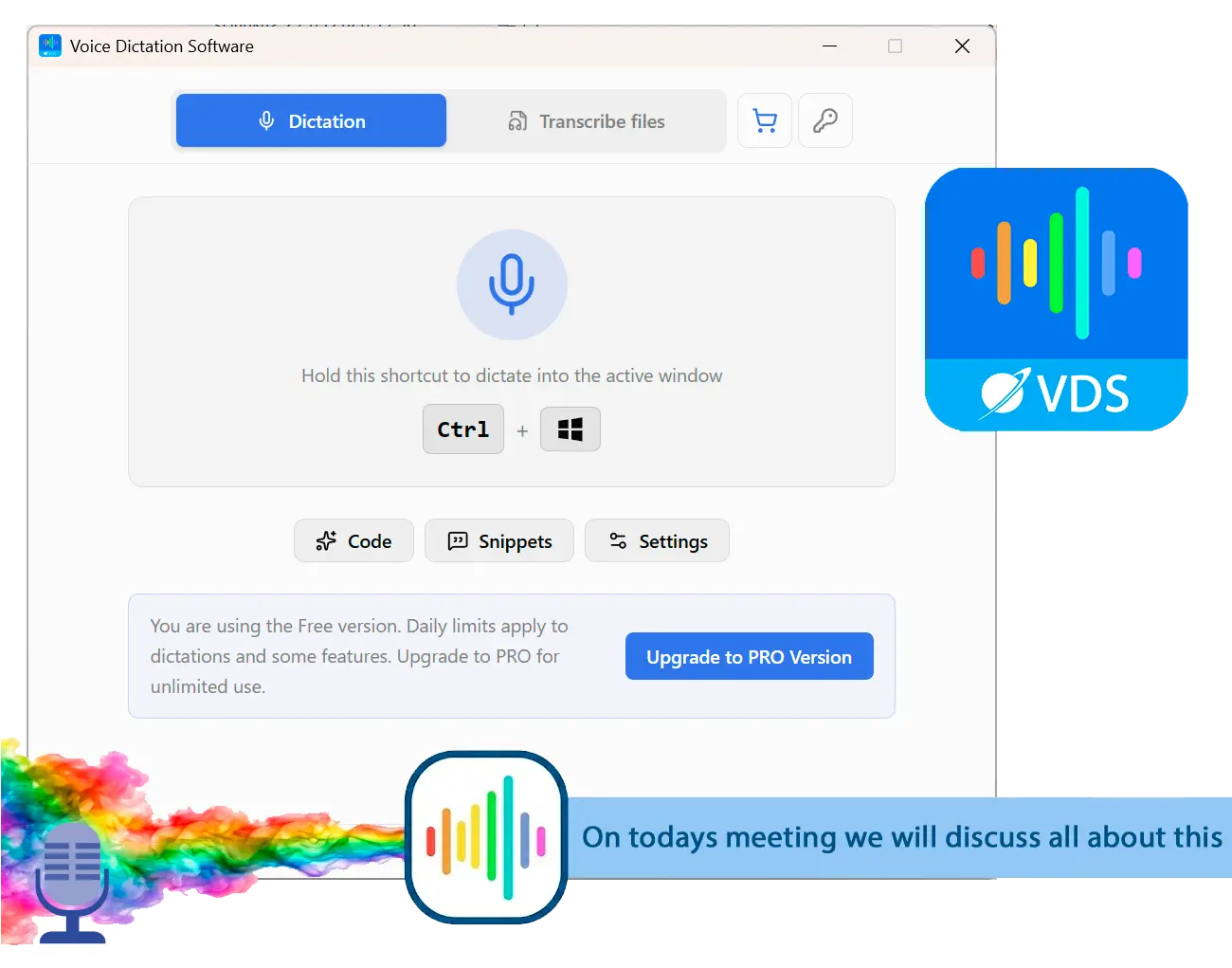
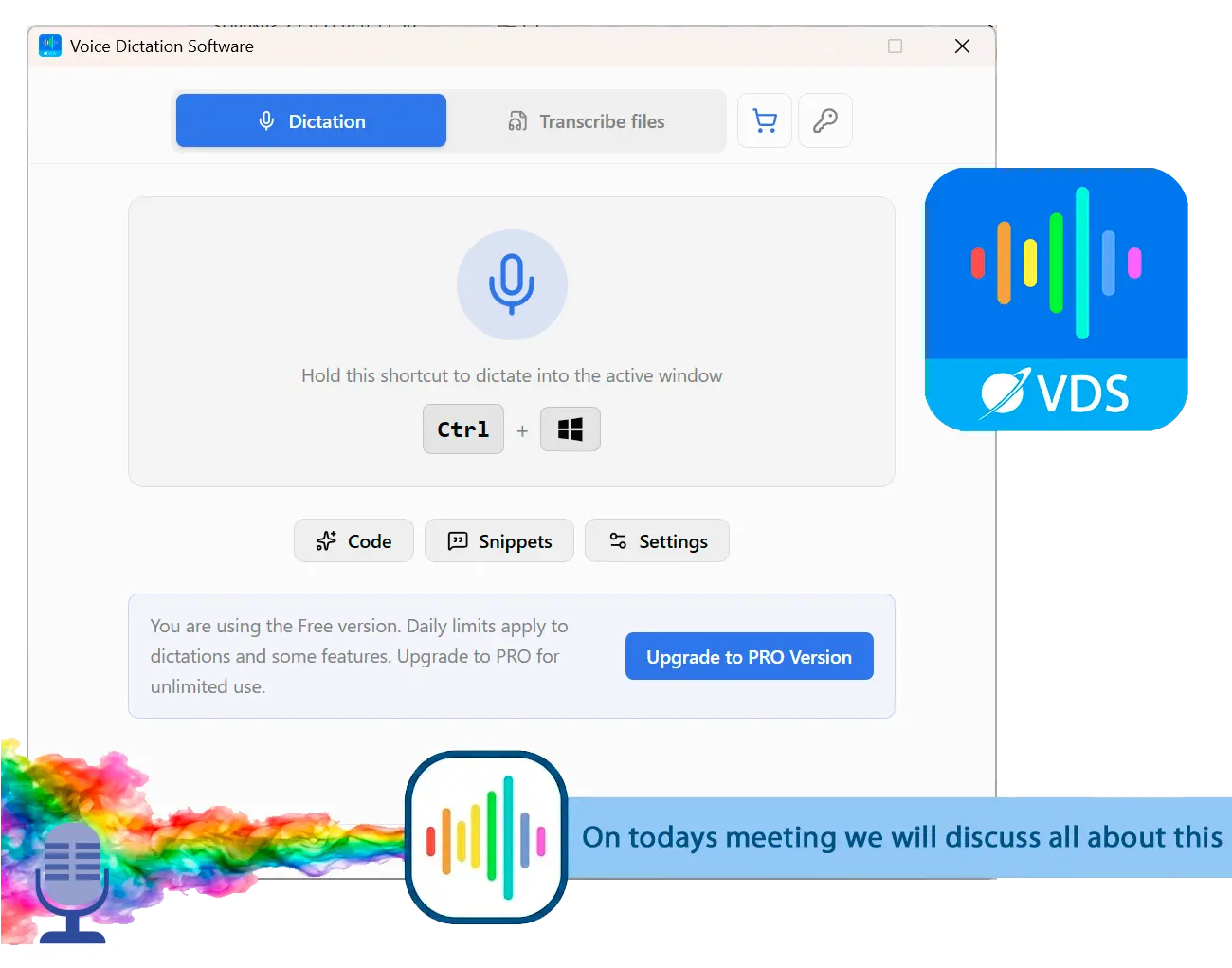
SayOnce runs the NVIDIA Parakeet speech model on-device. Your audio stays on your PC and is never sent to SoftOrbits servers for transcription. With this offline voice dictation software for Windows, you hold a global hotkey, speak, and paste text into the active Windows window, including an EMR field or Word document. SayOnce also appears alongside mainstream options in our best voice to text software for Windows comparison.
One-time license: $49.99 home / $99.99 business, no subscription
Works in any Windows program via a global hotkey
Personal dictionary for manually adding custom or medical terms
Runs on CPU; no GPU required, and works offline after setup
Cons:
Windows 10/11 only; no macOS, iOS, or Android
Not HIPAA-certified; no EHR integration or connection to Epic or Cerner APIs
Clinical vocabulary must be added by hand
Dictation only; no ambient scribing or SOAP-note generation
Verdict: Choose SayOnce for offline Windows dictation at a one-time price if you are willing to add your own terms. Our take: We run SayOnce on Windows ourselves. Its strengths are privacy and price; weigh our ownership when considering that judgement.
SayOnce - Voice Dictation Software
Le logiciel de dictée vocale pour Windows vous permet de saisir du texte 4 fois plus vite. Maintenez un raccourci clavier et parlez au lieu de taper. Convertissez vos fichiers audio et vidéo en texte pour les lire rapidement.
3. Freed AI: Best Ambient Scribe for Solo and Small-Practice Clinicians
Freed AI listens to your visit and produces a structured SOAP note in a minute or two. Clinicians on r/healthIT report positive experiences. Check the vendor site for current subscription tiers.
Pros:
Ambient note generation without hold-to-talk dictation
Positive adoption among solo and small-practice clinicians
Suggests ICD-10/CPT codes and supports referral letters
Cons:
Cloud-only; requires a HIPAA BAA and internet
You must review and edit the AI draft
Subscription-only; no one-time option
Our take: Public reviews and r/healthIT discussions suggest Freed is the friendliest ambient option for a solo clinician. We did not buy a license.
4. Nuance DAX Copilot: The Enterprise Ambient Scribe with Deep Epic Integration
Nuance DAX Copilot targets health systems. Pricing is roughly $3,000 to $5,000 per clinician per year in Medesk's 2026 comparison; confirm with the vendor. Some physicians in family-medicine discussions report losing control over phrasing and having to correct the generated notes.
Pros:
Deep Epic integration for enterprise EHR workflows
Microsoft/Nuance backing and support
Generates full, structured clinical notes from encounter audio
Cons:
Most expensive option in the category; enterprise pricing only
Built for health systems, unsuitable for solo or small practices
Less control over note phrasing
Verdict: Choose DAX Copilot when your health system wants an Epic-native ambient scribe and can afford it. Our take: This assessment uses vendor materials and enterprise reviews; we did not purchase a seat.
5. Wispr Flow: Best AI-Polished Dictation for Mac and Windows Plus Mobile
Wispr Flow adds AI cleanup to classic hold-to-talk dictation. Reviewers praise its speed for general use. Its context-awareness feature captured periodic screenshots of the active window, a concern raised in community discussions and one independent review. Check that feature and turn on privacy controls before clinical use. You can also compare other Wispr Flow alternatives.
Pros:
One subscription covers Mac, Windows, iOS, and Android
Fast dictation with AI text cleanup
HIPAA BAA offered on its plans
Cons:
Cloud audio processing; no offline mode at any tier
Context screenshots raise privacy concerns for sensitive work
Privacy Mode is not on by default for all users
Our take: Public reviews support Wispr Flow's strengths in speed and platform coverage. We did no hands-on clinical testing and did not buy a paid-tier license.
6. DictaFlow: Best Hold-to-Talk for EMRs Inside Citrix and RDP
DictaFlow simulates physical keystrokes to solve cursor-focus problems in Citrix, RDP, and VMware Horizon. Your remote session receives the text as if you were typing. It supports Mac and Windows. Most public commentary about this recent entrant comes from its founder and affiliated writers. A 2026 comparison on Medium credits its hold-to-talk workflow and lower price with making it competitive against programs costing several times more; weigh that claim against the limited independent evidence.
Pros:
Keystroke simulation places text in remote EMR fields
Medical vocabulary enabled by default; BAA available
Lower monthly price than legacy market leaders
Cons:
Hybrid local-plus-cloud processing
Mobile support requires a workaround; no native app
Few independent, non-affiliated user reviews
Our take: We used vendor information and a third-party comparison without buying a license. If remote EMR dictation is your main problem, trial DictaFlow before committing your clinic.
7. Heidi Health: The Free-Tier Ambient Scribe to Try Before Paying
Heidi Health gives you a usable free tier for trying ambient note-taking. In medicine discussions, at least one geriatrics physician credits this category with substantially reducing charting time. That praise concerns ambient scribes broadly. Check the vendor site for free-tier allowances and paid limits.
Pros:
Free tier for testing ambient note generation
Structured visit notes generated from your conversation
Positive clinician sentiment about the ambient category
Cons:
Cloud-based; requires a BAA and internet
You must review generated notes
Free-tier limits push regular use onto a paid plan
Our take: Based on public clinician sentiment, the free tier makes Heidi the easiest ambient option to pilot without a budget discussion. We did not buy a paid seat.
8. Apple Dictation and Windows Voice Typing: The Free Built-In Option for Light, Non-PHI Notes
Dictation comes installed with macOS, iOS, and Windows. Generic engines often mistranscribe drug-and-dose phrases, such as a metformin dosage, leaving you with substantial corrections. A clinician on the Microsoft community forum tried to add an entire medical dictionary to Windows Speech Recognition. The official guides did not solve the problem, and other users reported the same result.
Pros:
Free
Useful for short, non-clinical personal notes
No extra software to manage
Cons:
Poor accuracy on dosages and specialty terminology
Neither offers a HIPAA BAA; unsuitable for PHI without workarounds
No practical way to bulk-load medical vocabulary
Our take: We use both on Windows and macOS daily. They are handy for ordinary text, but clinical vocabulary creates too much correction work for charting. Most clinicians outgrow them quickly.
On-Device vs Cloud and the HIPAA BAA Question
TL;DR
For cloud dictation with patient audio, your practice needs a signed BAA covering the vendor and every subprocessor. Local processing removes that transmission; overall compliance remains your responsibility.
Using cloud dictation with PHI without a BAA violates HIPAA regardless of accuracy, according to one industry overview. A Microsoft community write-up on local transcription argues that each audio file sent to an external API exposes PHI, leaves an audit trail on third-party servers, and adds a breach risk unacceptable for some medical use.
A healthcare privacy analysis points out that keeping audio on-device removes third-party audio storage and the vendor-level breach risk. You still need workstation security, screen privacy practices, and written policies: local processing alone is no HIPAA certification. On-device programs in this category type into the active window rather than integrating directly with Epic or Cerner. For psychiatry, substance-abuse treatment, and HIV care, keeping audio off the network can decide the choice.
Accuracy on Medical Vocabulary
TL;DR
Generic speech engines handle everyday speech but struggle with drug names, anatomy, and clinical abbreviations. You can choose built-in specialty vocabulary or build a personal dictionary.
Multi-syllable drug names, Latin anatomy, and dose abbreviations can fall outside a general model's training. Dragon and dedicated clinical medical speech recognition software come trained on terminology across specialties.
With SayOnce, you supply the clinical terms yourself. That setup work is the tradeoff for local processing and a one-time price.
Free and Offline Options Compared
TL;DR
Free options include OS-bundled dictation on Windows and macOS and ambient free tiers. For a dead-zone exam room, you need on-device processing.
Built-in dictation cannot reliably learn clinical terms and offers no HIPAA BAA. Free ambient tiers remain cloud-based and BAA-bound, with limits that push regular users toward paid plans.
A Microsoft Word 365 user reported continued mistranscription and autocorrection of medical terms after following every official guide. Cloud dictation stops without internet, which can rule it out in rural clinics or sites with strict no-third-party-traffic network policies. SayOnce works locally on Windows with zero connectivity after the initial model download, including behind a locked-down hospital network.
Doctor Dictation Cost Over Time: One-Time vs Subscription
TL;DR
Compare costs over three to five years. Dragon Medical One's setup fee is paid once, but its subscription continues each year.
Wispr Flow, Freed, and DAX also bill monthly or annually. With one-time purchase dictation such as SayOnce, you owe nothing in year two or year five; OS-bundled dictation remains free.
One-time purchase physician dictation software is a Dragon Medical alternative when recurring cost is your main objection. Residents and solo clinicians should weigh that saving against the clinical features they need.
How to Choose Physician Dictation Software for Your Practice
TL;DR
Choose physician dictation software by practice size, budget model, privacy requirements, and EMR and platform support, in that order.
For a solo physician or resident, start with a single-seat program such as SayOnce or Wispr Flow, or a free ambient tier. A health system standardizing on an Epic-native scribe should consider DAX Copilot.
To avoid recurring bills, consider a one-time license or free built-in dictation. Dragon, Freed, and other ambient scribes bill monthly. For especially sensitive PHI or a strict no-cloud policy, on-device processing is the safest architecture and removes the need to manage BAAs with multiple subprocessors. For Epic or Cerner through Citrix or RDP, prioritize Dragon or DictaFlow and check operating-system support. A Windows-only program will not suit your Mac-based practice. For medical dictation software for Windows that works offline at a one-time price, SayOnce is the most direct match.
Best physician dictation software in 2026: 8 medical dictation tools for doctors compared on accuracy, on-device privacy, price, EMR use, and offline support.
Yes. SayOnce costs $49.99 (home) or $99.99 (business) for a one-time Windows license with no subscription. You hold a hotkey to dictate into any window, with audio processed on-device. It lacks Dragon's deep medical vocabulary and EMR integration.
SayOnce runs its speech model locally on Windows and works offline after the initial model download. You need on-device processing for offline or air-gapped use. Cloud programs, including Dragon, Freed, DAX, Wispr Flow, and ambient scribes, require a connection.
For PHI, no. Apple Dictation and built-in Windows dictation are free and useful for ordinary personal notes, but they struggle with prescription names and specialty terms. They cannot reliably learn medical vocabulary, and neither offers a HIPAA BA
Classic dictation places text at your cursor in the active field, including an EMR window. Dragon and DictaFlow support this reliably inside Citrix and RDP. SayOnce pastes into the active window without connecting to Epic or Cerner APIs. With ambient scribes, you typically copy and paste the generated note into the EMR.
For cloud processing of patient audio, yes. You need a BAA covering the vendor and its subprocessors; using the program without one violates HIPA On-device processing removes that audio transmission, but it does not confer HIPAA certification. You remain responsible for overall compliance.
Dragon moved from a perpetual, one-time license to subscription-based Dragon Medical One. Legacy users now face recurring per-provider costs. If you want a single payment, an on-device program such as SayOnce is the closest pricing model.
Mostly, yes. "Physician dictation software," "medical dictation software," and "medical speech-to-text" describe programs that turn a clinician's voice into text through classic hold-to-talk dictation or ambient AI scribing.
Dragon Medical One leads for medical accuracy and EMR dictation if you can justify a subscription, especially for heavy Epic use. SayOnce suits offline, on-device Windows dictation at a one-time price. A resident with a tight budget and no need for direct EMR integration is usually better served by the one-time option.

 SayOnce - Voice Dictation Software